
See How Simple Loyalty Can Be
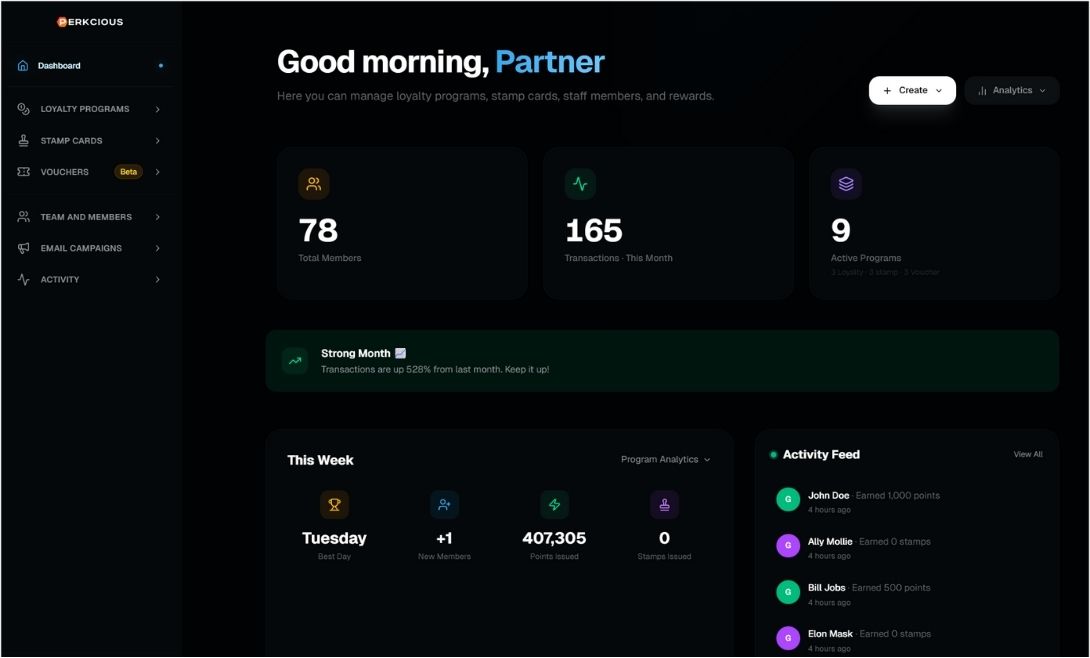
Step 1: Configure Your Brand & Rewards
As a business owner, you have full control over your reward programs and membership structure:
✅ Reward Programs: Use Points, Stamps, or Vouchers.
✅ Flexible Membership: Offer Free, Paid, or Subscription-based access.
✅ Tiered Loyalty: Create levels like Bronze, Silver, and Gold to unlock exclusive perks.
You control the details:
✅ Fully Customizable: Design digital cards that perfectly match your brand.
✅ Smart Rules: Define point expiration and earning rates (e.g., Earn X points for every X amount spent).
✅ Dynamic Rewards: Upload images, set point costs, and schedule limited-time offers.
Log-in as partner / business owner
link: https://app.perkcious.com/en-us/partner
username: [email protected]
password: 1!TONAarCe
Step 2: Customers Scan & Join Instantly
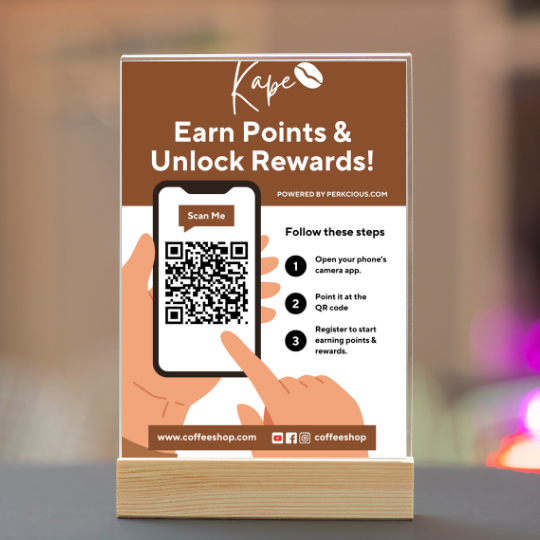
Scan the QR code with you phone camera or click the image below.
Step 3: Live Demo: Try the Customer App
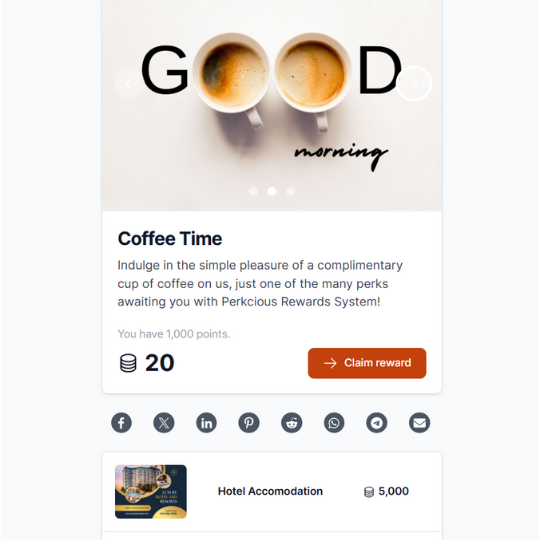
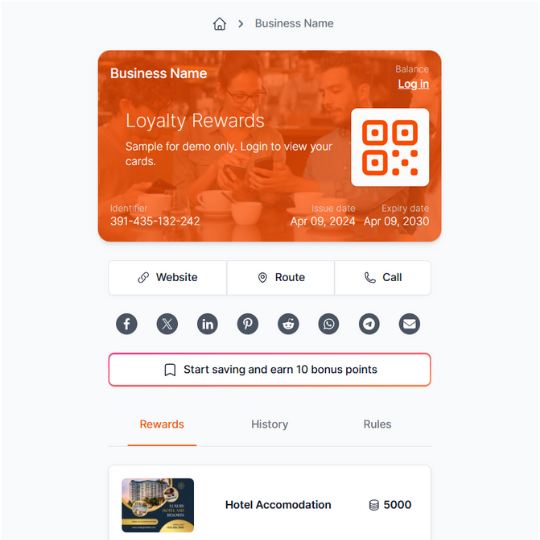
Your customers can sign up easily. They’ll have their own unique QR code to use for earning points and redeeming rewards.
Log-in as customer / member
link: https://app.perkcious.com/en-us
username: [email protected]
password: @1k017sDaD!7
Step 4: Live Demo: Try the Staff Interface
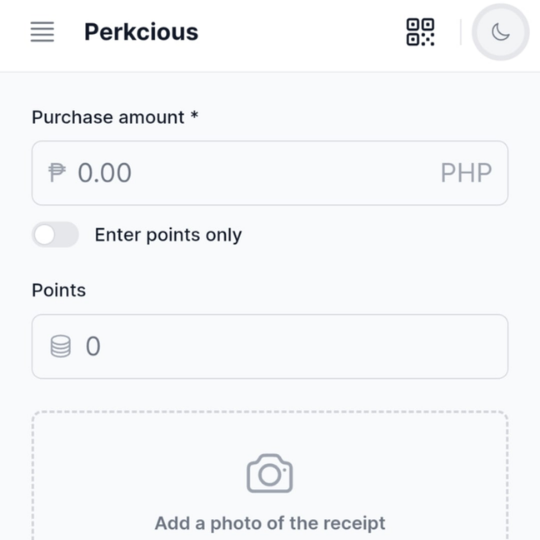
Your staff can award points with a quick scan from any smartphone. Just scan the customer’s QR code, enter the purchase amount, and that’s it! The process is fast, simple, and won’t slow down your line.
Log-in as staff
link: link: https://app.perkcious.com/en-us/staff
username: [email protected]
password: 0@b0lrHH57br
Step 5: See the Redemption Flow
When a customer is ready to redeem, they simply show their reward QR code. Your staff scans it for instant verification, and the customer enjoys their reward. It’s a seamless and delightful experience for everyone.